KuGamer
Tools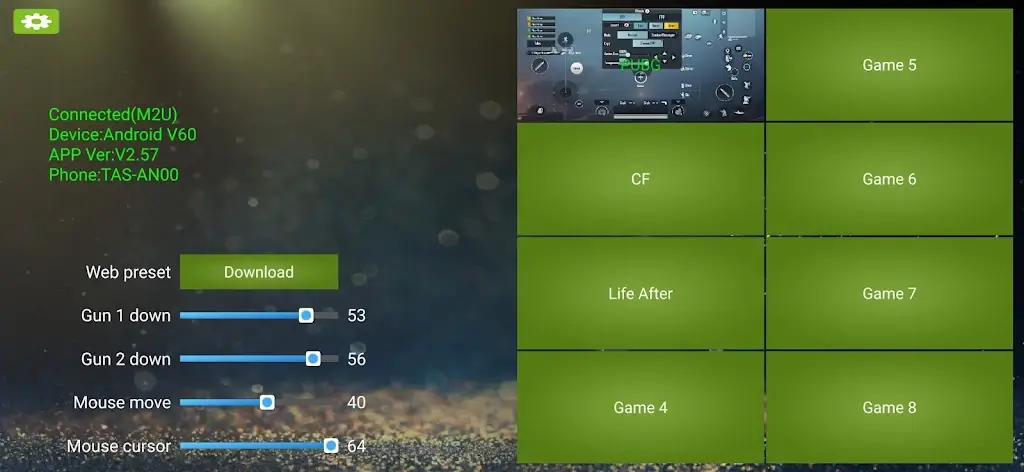
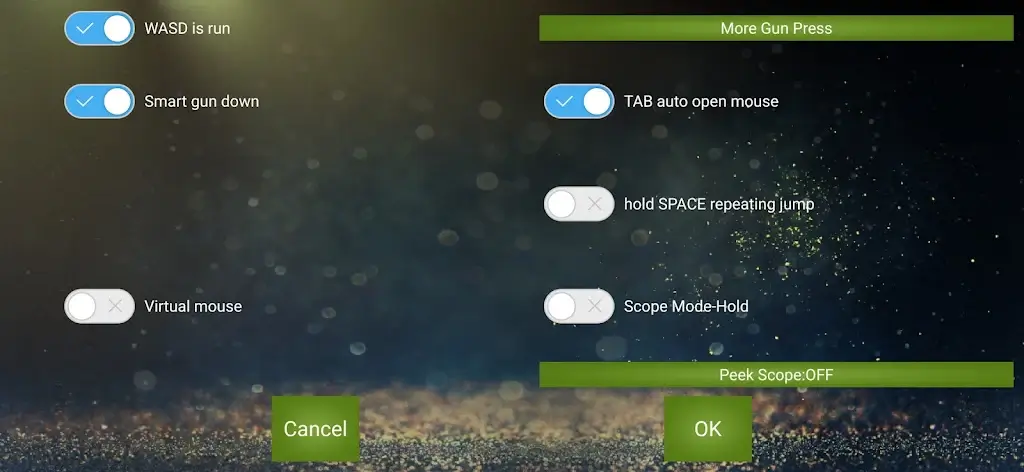
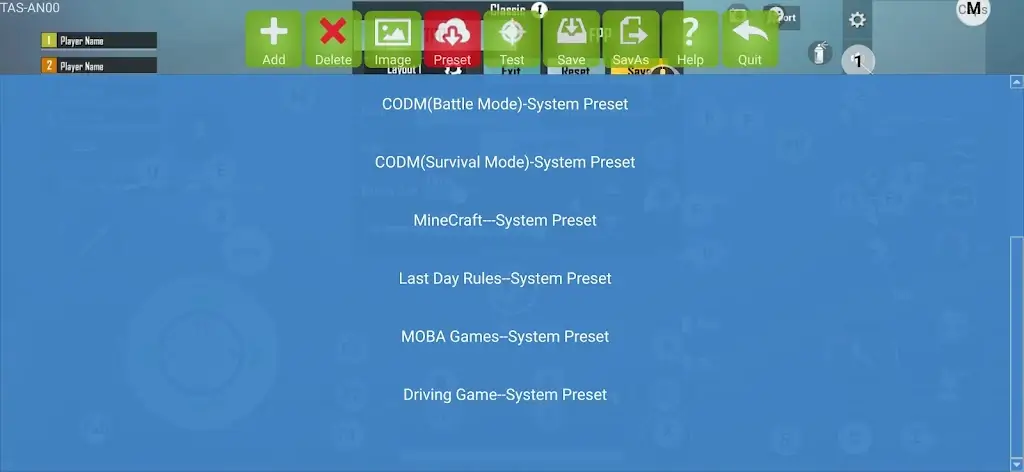
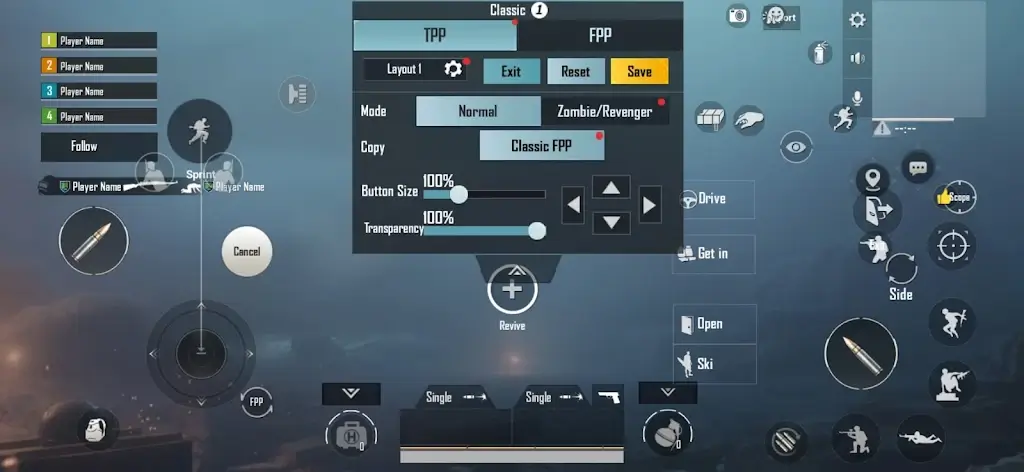
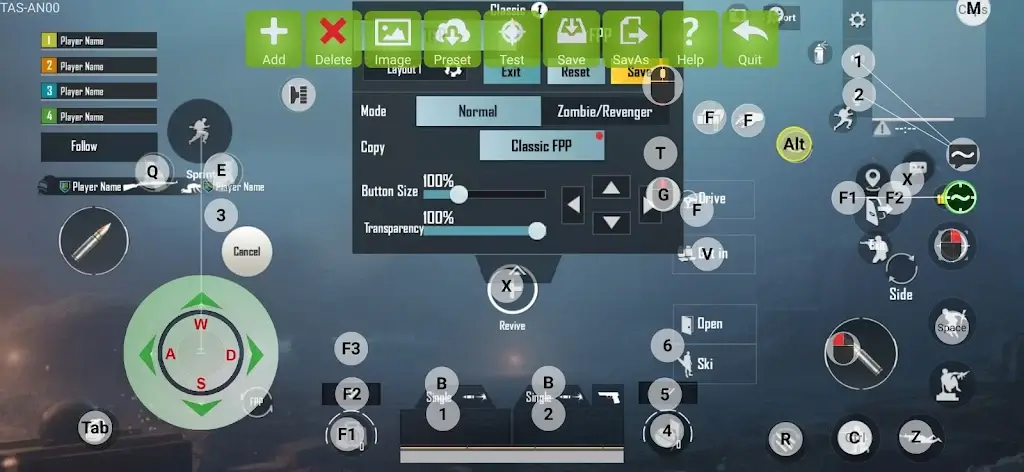

KuGamer is an Android utility that focuses on improving the gaming experience by adding support for external controllers. If you enjoy playing games with a gamepad or joystick, this app aims to bridge the gap for titles that lack native controller compatibility.
This page provides the latest version details, installation steps, and practical advice for using KuGamer safely on your device.
Quick Information
| App/Game Name | KuGamer |
| Latest Version | 2.52 |
| Developer | Not listed |
| Category | Apps / Tools |
| App Size | 33 MB |
| Package Name | org.qtproject.example.SincoGamer |
| Last Updated | 24 September 2025 |
What Is KuGamer?
KuGamer is a tool designed for Android gamers who prefer using physical controllers instead of touch controls. It works by interfacing with games that were originally built for on‑screen input, allowing you to connect Bluetooth or USB gamepads and interact with the game through those devices. The app does not claim to modify game files; it simply offers a layer that can translate controller actions where possible.
The target audience includes casual and hardcore gamers who own external controllers and want a smoother, more responsive experience on Android. Because the app does not modify games directly, its effectiveness depends on each game’s compatibility with controller input.
Compatibility
| Android Version | ✓ Verified — 5.0 & Up |
| Architecture (ARM64 / 32-bit) | Not Verified |
| Internet Connection | ✓ Verified — May be required for ads, updates, or login |
| Storage Needed | Not Verified |
| OBB/Data Files | Not Verified |
| Root Required | Not Verified |
How to Install
- Enable Install unknown apps for the browser or file manager you will use (Settings → Apps → Special access → Install unknown apps).
- Download the KuGamer APK file to your device.
- Locate the downloaded file in the notification shade or using a file manager.
- Tap the APK and follow the on‑screen prompts to install.
- Once installed, open KuGamer and follow any in‑app instructions to pair your controller.
Troubleshooting
- App not installed: Ensure the APK matches your device’s architecture (ARM/ARM64) and that you have allowed installations from unknown sources.
- Crashes on launch: Clear the app cache (Settings → Apps → KuGamer → Storage → Clear cache) and try again. If the problem persists, reinstall the APK.
- Controller not recognized: Verify the controller is paired via Bluetooth or properly connected via USB OTG. Some older controllers may need a separate driver app.
- Features not working: Not all games support external input through KuGamer. Test with a known compatible game or check community forums for specific game support.
Safety & Security
KuGamer is distributed as a standard APK. As with any third‑party app, download it from a reputable source and scan the file with an antivirus program before installing. Review the permissions the app requests; it typically needs access to Bluetooth, USB devices, and overlay windows. Avoid entering sensitive personal information within the app unless you are certain it is safe.
How KuGamer Compares
| Feature | KuGamer | Octopus – Gamepad, Mouse, Keyboard | Mantis Gamepad Pro |
|---|---|---|---|
| Price / Model | Free (ad‑supported) | Free with optional in‑app purchases | Free with ads, premium unlock available |
| Platform | Android only | Android & iOS | Android only |
| Standout Feature | Simple controller overlay for games lacking native support | Supports mouse, keyboard, and gamepad simultaneously | Highly customizable button mapping profiles |
| Best For | Users who need a lightweight solution to add basic controller input | Gamers who want full peripheral support across many titles | Players who need detailed mapping and macro features |
Alternatives
- Octopus – Gamepad, Mouse, Keyboard: A versatile app that lets you use multiple input devices with a wide range of Android games.
- Mantis Gamepad Pro: Offers deep customization of button layouts and supports macro creation for advanced control schemes.
- Panda Gamepad Pro: Provides a simple interface for mapping gamepad buttons to touch controls, with cloud backup for profiles.
Final Verdict
KuGamer is a straightforward, free utility for Android gamers who own external controllers and want basic compatibility with games that lack native support. It works best for titles that already have some controller handling built in. Because it does not modify game files, it carries minimal risk, but its effectiveness varies by game. Before installing, verify that your device allows unknown sources and scan the APK for safety. If you need more advanced mapping or multi‑peripheral support, consider the alternatives listed above.
Frequently Asked Questions
The APK is not official, so download it from a trusted source, scan it with antivirus software, and review the permissions before installing.
The app works on Android 5.0 (Lollipop) and newer, but performance may vary on older devices.
No, KuGamer does not require root; it works with standard Bluetooth or USB‑OTG controllers.
Not all games expose controller input to third‑party apps; compatibility depends on each game's design.
KuGamer is a separate utility, not a replacement for any game, so it can be installed alongside other apps.
Make sure you have allowed installations from unknown sources and that the APK matches your device's CPU architecture.
Older versions may exist, but they are not listed here; use caution when downloading legacy builds.
Updates can change how the app interacts with games, so you may need to re‑configure controller mappings after upgrading.